Add our support team to your Account
Add a support team member
- Log into the application.
- Click on “Team” in the sidebar.
- Click “Add Member”.
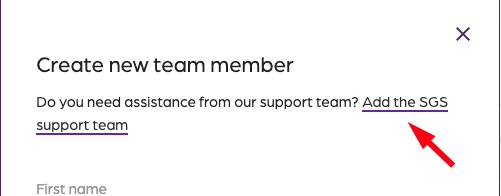
- Click on “Add the support team”.
- The support team now has access to your account
Creating amazing guest experiences through innovative software solutions for the social good community
Add a support team member