Connect PAT with application
Connect your new personal access token PAT with the application. If you have an existing connection with your account, you can skip to step 3 and enter just the username and personal access token. Step 1: Open a new tab and log into Altru. Click on the “Home” button. Copy the URL from your browser.
Create a PAT with a proxy user
To connect the application with Altru, you are required to create a proxy user in Altru using a personal access token (PAT). This is required to access Altru programmatically and ensures appropriate login credentials to support data security and avoid risk of data breaches. This user account is independent of your existing accounts. Step 1:
Invite our support and implementation team to your Altru Account
You will need to provide access to our support team so that we can assist you in creating the Altru queries necessary for our product integrations and data backups. Follow the steps below. Step 1: Application users Go to your Altru account and click “Administration”. Click on “Application User”. Click on the “Add” button when the dialog
Create a new account
You’ll receive an email from your account manager. The email contains a link to the page where you can create your account. Step 1: Fill in the fields for the account. Review the “Privacy Agreement”. Review the “Terms of Service”. Verify captcha. Click the “Register” button to create your account. You now have your account.
Membership Portal for Altru: Let Members Manage Online
Why a membership portal for Altru In today’s digital era, it is essential for organizations to adapt and embrace technology to streamline their operations and enhance customer experience. For nonprofits and arts and culture organizations, managing memberships can be a complex task, involving numerous administrative processes. However, with the Membership Portal for Altru, organizations can
Barcode Scanner for Altru Tickets and Membership Cards
Faster check-in for Altru tickets and memberships In today’s fast-paced world, time is of the essence, and convenience is paramount. Social Good Software, the leading organization in promoting arts and culture, understands the importance of providing exceptional experiences to its valued members and ticket holders. That’s why we are thrilled to introduce our latest innovation
How to Get a Donation Form Link in Altru
If you use Blackbaud Altru for fundraising, you need a stable donation form URL to share on your website, emails, social posts, and campaigns. Using the correct Altru donation form link keeps gifts recorded against the right designation and makes reporting cleaner for development teams. This short guide shows where to find the donation form
How Digital Guest Passes Work with Altru
Digital guest passes in Altru is a privilege you can give to your members, guests, and other organization. It can be a benefit offered to your members based on their membership levels, free admission for your guests, and sponsorship benefits for other organizations. Giving guest passes is an excellent way of showing appreciation to your
How to view your settings for your mail provider
Data Bridge is a great tool that makes it possible for your Altru records and data from mail providers such as ActiveCampaign, ConstantContact, and MailChimp in sync. To effectively use this app, view your settings for your mail provider to check if it is configured correctly. View the Data Bridge Settings for Mail Provider Go
How to enable the integration
To be sure that your Altru records and contacts from the mail provider like ActiveCampaign, ConstantContact, or Mailchimp are in sync, the widget settings in the Data Bridge app must correctly configure before you enable the integration. This process applies to any type of integration you have. Log in to your Social Good Software account.
How to verify your contacts have been synced
Audit the operations between the two systems to check if the syncing process runs correctly and verify if your contacts have been synced. Review the activity log to confirm if it achieved your desired output. How to verify your contacts have been synced Log in to your Social Good Software account. Proceed to Data Bridge.
See it in action
Get started with Social Good Software
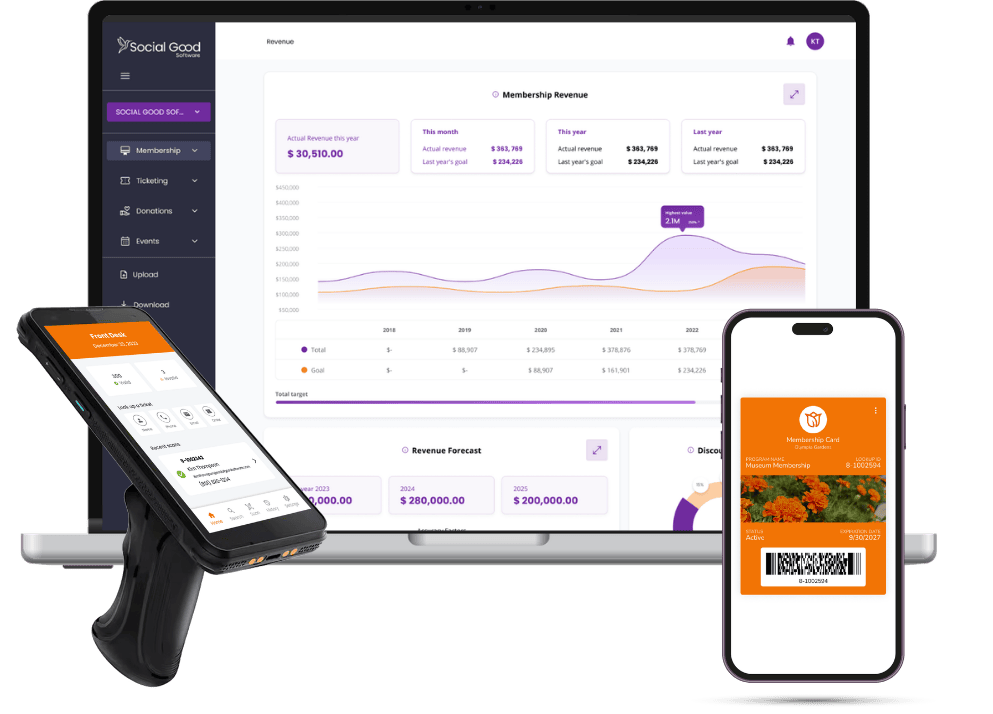
Book a demo to see Social Good Software in action for Altru.
Book a Demo