Membership Portal
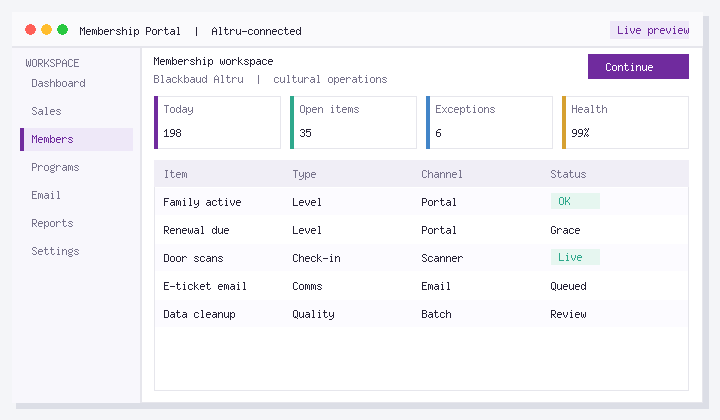
How to Offer Auto-Renewing and Monthly Memberships in Altru
“Auto-renewing membership” means different things to different people on a membership team. Before you change anything in Altru, get agreement on which of these you actually want to sell, because each one is set up and supported differently: Annual auto-renew: the member pays once a year, and the card on file is charged again when
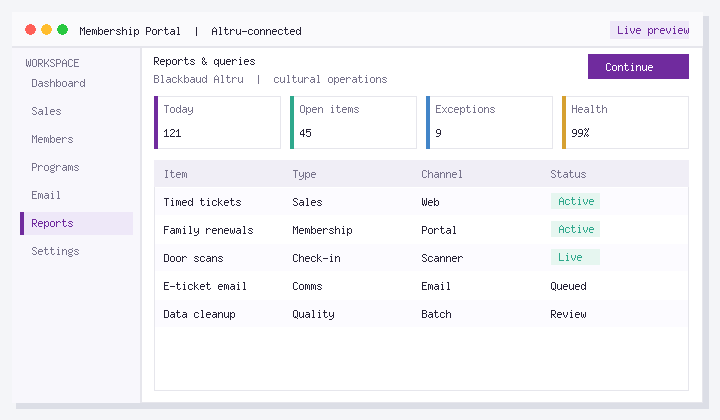
How to Report on Appeal Mailing Results in Altru, Including Online Gifts
The year-end letter went out to 4,000 households. The board wants to know what it raised. You run the appeal report, and the number looks low. Then someone from development mentions three donors who said they “gave online after getting the letter.” Those gifts are in Altru. They just aren’t in the report. Appeal reporting
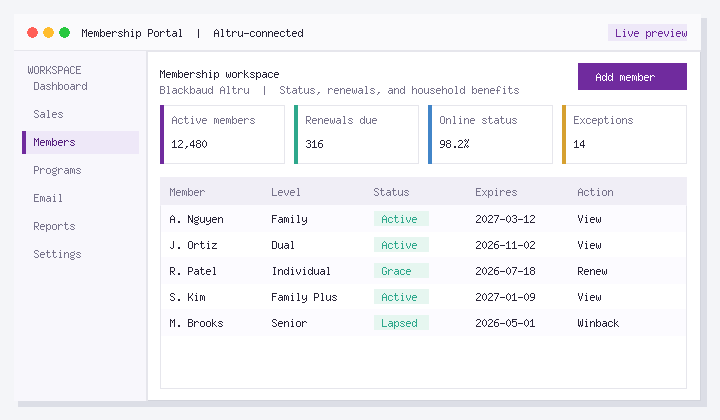
How to Sell Membership Add-Ons Mid-Term in Altru Without a Renewal
A family joined in February. In June they want to add a nanny pass, or two extra guest passes, or reserved parking for the rest of the year. They aren’t looking to renew early or move to a higher level. They want to pay for one extra thing and keep the same membership. In Altru,
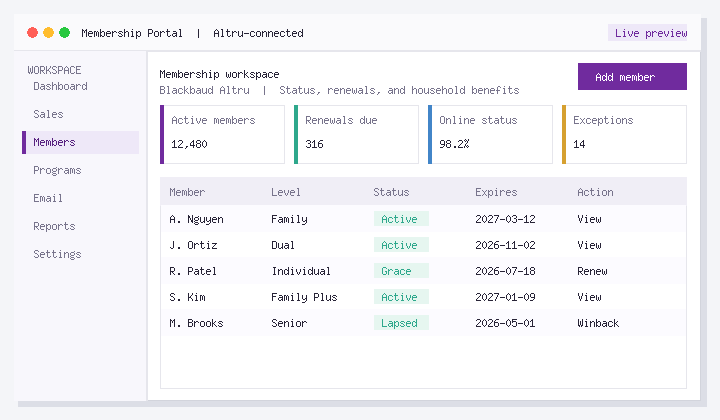
How to Show Members Their Membership Status Online in Altru
“Am I still a member?” sounds like a simple question. For a lot of museums, zoos, and gardens running Altru, answering it still means a phone call, an email to the membership office, or a guest standing at the admissions window while someone looks them up. Members would rather check for themselves, the same way
XTruLink vs Social Good Software: Which Fits Altru Organizations?
XTruLink (now part of the broader XTru platform) and Social Good Software both serve cultural attractions that run on Blackbaud Altru. Both help teams sell tickets and memberships, recognize members at the door, and reduce friction for guests. They are not the same product category in practice. This article explains what each is optimized for,
Cuseum vs Social Good Software: Which Is Right for Altru Organizations?
Cuseum is a strong engagement platform for museums that need digital membership cards, mobile experiences, and multi-CRM flexibility. Social Good Software is the better fit when your organization runs on Blackbaud Altru and needs one operating layer for timed ticketing, branded checkouts, membership self-service, digital cards, guest services scanning, email automation, and data quality, without
What Is the Member Portal for Blackbaud Altru and What Can Members Do in It?
The Member Portal gives your Altru members a members-only place online. Members log in to open their digital membership card and e-tickets and see their online transaction history, so they don’t have to call guest services for simple requests. It also lets you move away from paper membership cards and printed tickets. What the video
How to Edit the Text and Images in Your Altru Member Portal
You can change the images, headings, body copy and button labels on every page of the Member Portal yourself. In Social Good Software open Development › Membership Portal › Designer, choose a page, click the pencil to edit, Preview, then Save design. Which pages you can edit depends on whether you’re signed in to the
Membership Portal Query
Use this query to pull in all your members into the Membership Portal. Note: if the query is pulling in more than 15,000 rows, you will need to shrink the query size by the date created.
How to Put Your Altru Member Portal on Your Own Subdomain (CNAME Setup)
To run your Social Good Software member portal at an address like members.yourdomain.org, add a CNAME record for the subdomain at your DNS provider, point it at your portal URL from Development › Membership Portal › Settings, then enter the subdomain under Development › Settings › SEO and save. The video uses Cloudflare, but other
