“Auto-renewing membership” means different things to different people on a membership team. Before you change anything in Altru, get agreement on which of these you actually want to sell, because each one is set up and supported differently:
- Annual auto-renew: the member pays once a year, and the card on file is charged again when the term ends.
- Monthly sustaining membership: the member pays a smaller amount every month and stays a member as long as payments keep succeeding.
- Installments: a fixed annual price split into several payments, with no promise to continue after the year is over.
The finance office, the membership manager, and whoever runs the website often picture three different products here. Settle that first and the rest of the decisions get much easier.
What Altru can handle, and what to confirm
Altru does support recurring memberships, where a membership is tied to a payment schedule instead of a single sale, but how far that support reaches depends on your version, payment processing setup, and configuration. The parts that vary from one organization to the next are the ones that matter most for this question:
- Which sales channels can sell it. Setting up a recurring membership in the back office is one thing. Selling it through your public web forms or at the daily sales register is another. Don’t assume every channel supports it.
- How payments get processed. Find out how scheduled charges actually run in your setup, who has to start or review them, and how they post to revenue and batches.
- What happens when a charge fails. Expired and replaced cards are a common way sustaining programs quietly lose members. Know what Altru does with a declined payment, and decide what your staff will do next.
The honest advice is to test it before you promise it. Set up a test membership program in a sandbox or a low-risk test environment, buy it through each channel you plan to use, let a scheduled payment run, and force a decline. If something in that test doesn’t behave the way you need, ask Blackbaud support whether it’s a configuration issue or a real limit before you build a campaign around it.
Three ways organizations end up handling it
1. Use native recurring memberships where they work
If your testing shows recurring memberships work cleanly in the channels you care about, this is the simplest path. Membership status, payments, and history all stay on the same constituent record, and reporting on the program doesn’t need workarounds. The work is in the operations: a clear owner for failed payments, a standard update-your-card email, and a regular query of members whose next payment is coming due on a card that’s about to expire.
2. Sell it as a giving program that includes membership
Some organizations run a monthly “sustainer” level as a recurring gift, then grant membership benefits to anyone with an active recurring gift above a set amount. This can work well when the main goal is steady monthly revenue and not front-desk benefits. The tradeoff is reconciliation: you need a dependable process, usually a query reviewed on a fixed schedule, to add, extend, or end memberships as recurring gifts start, lapse, or get canceled. If no one owns that review, member status and payment status drift apart within a few months.
3. Keep annual memberships and make renewal effortless
For many sites the real goal behind “auto-renew” is fewer lapsed members, not monthly billing. If that’s your case, you may get most of the benefit with less risk by making the normal annual renewal very easy: reminders that go out well ahead of expiration, a renewal link that drops members right into the purchase, and clear expiration dates so nobody is surprised. You give up the convenience of a card on file, but you avoid failed-payment handling and cancellation requests entirely.
Policy questions to answer before you launch
- Disclosure and cancellation. Several U.S. states have automatic renewal laws that cover how you disclose recurring charges, what consent you collect, and how easy cancellation must be. Have someone who knows the rules in your state review your checkout wording and cancellation process.
- Price changes. Decide how you’ll notify recurring members when membership prices go up, and whether current members keep their old rate.
- Benefits timing. For monthly members, decide when benefits begin (first payment, or after a set number of payments) and when they stop after a missed payment.
- Upgrades and downgrades. Know how staff will move a recurring member to a different level without creating a second schedule or a duplicate record.
- Tax receipts. If part of the payment is deductible, confirm how acknowledgments will work for recurring payments compared with one-time purchases.
Measure it once it’s running
Build a few queries early so you can tell if the program is worth keeping: active recurring members by level, failed payments in the past 30 days, cancellations by month, and recurring members compared with annual members who renewed over the same period. A recurring program that quietly loses a slice of members to declined cards every month can retain worse than a well-run annual renewal cycle. You’ll only see that if you’re tracking it.
Where Social Good fits
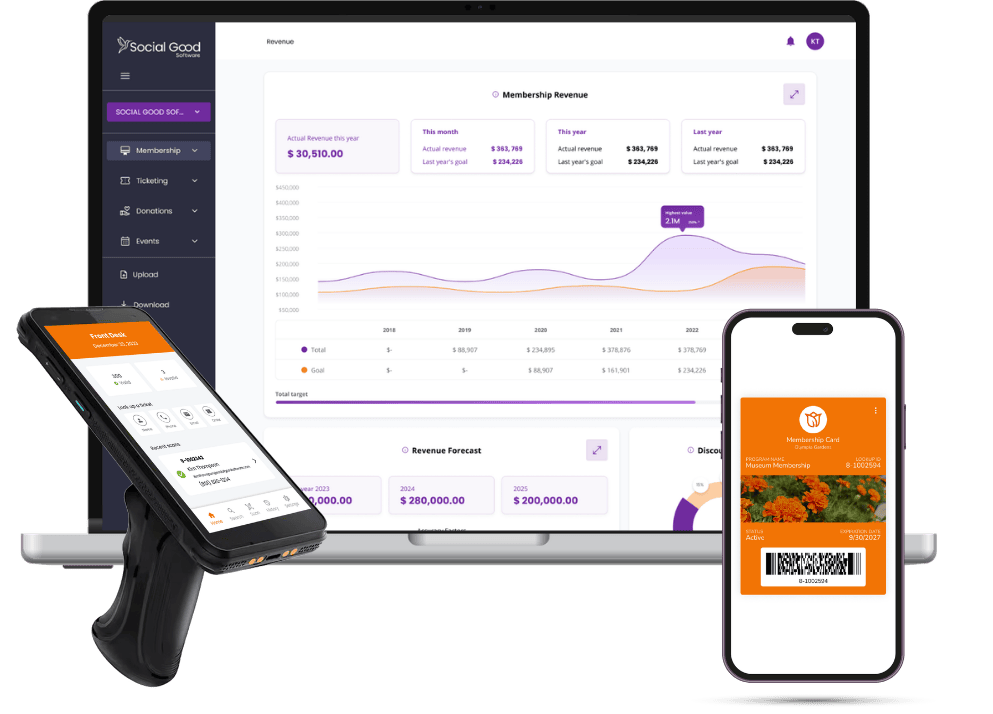
Whichever approach you choose, members still need a simple way to check where they stand. Social Good’s Membership Portal lets members view their status, renew, upgrade, and update their profile online against live Altru data. That’s especially useful if you take the third route, and it cuts down on “am I still a member?” calls whatever you decide.
Quick answers
Can members sign up for recurring membership on our website?
It depends on your Altru configuration and the web forms you use. Test a purchase end to end in a sandbox, and confirm with Blackbaud support before you advertise it.
Is monthly membership better than annual?
Not automatically. Monthly lowers the price of entry, but it adds failed-payment and cancellation work. If your annual renewal process is already strong, compare the two with real retention numbers before you switch.