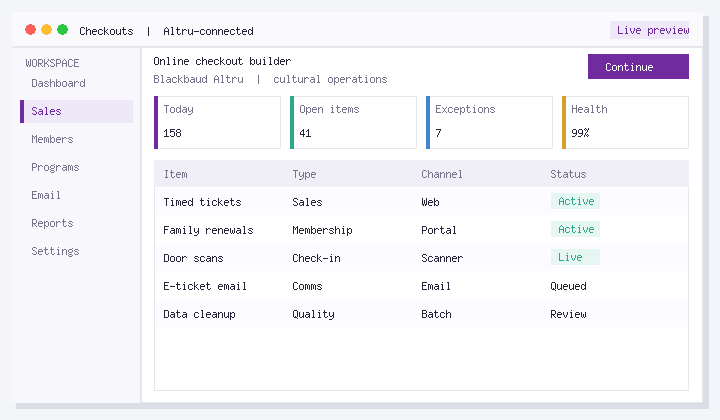
In this guide: Learn availability calculated in calendar in Altru with a short video walkthrough, then follow the written steps below so your team can repeat the process without hunting through menus.
Social Good Software builds tools that sit alongside Blackbaud Altru so guest services, membership, and marketing teams spend less time on workarounds and more time on mission. This page is optimized as a durable reference: watch the embed, scan the steps, and jump to the related product page when you are ready to go deeper.
What you will learn
- Where this task or feature lives in a typical Altru + Social Good Software workflow
- What to prepare before you start (permissions, queries, test records, or brand assets)
- How to complete the process without breaking production webforms or live emails
- How to verify the result and hand the process off to another staff member
Who this is for
This walkthrough is for Altru administrators, guest services leads, membership managers, and digital marketers at museums, zoos and aquariums, botanical gardens, historic sites, and other cultural nonprofits. If you already use Social Good Software, keep the video bookmarked for onboarding. If you are evaluating tools, pair it with a live demo of the related product.
Step-by-step overview
Follow along with the video. The written sequence below mirrors a typical successful run so you can check off each stage as you go.
- Open the right area of Altru or Social Good Software shown at the start of the video. Confirm you are in the correct environment (production vs test) before changing live settings.
- Prepare supporting records such as queries, attributes, note types, membership programs, or calendar programs. Missing prerequisites are the most common reason the finish line fails.
- Complete the configuration exactly as demonstrated. Prefer copy-from-known-good settings when your organization already has a working example.
- Validate with a test path: a test ticket, test membership, or test email recipient that will not confuse real constituents.
- Document the owner and the re-check cadence so seasonal staff can re-run the process during high volume periods.
Tips that prevent common mistakes
- Make one change at a time when editing live webforms, calendars, or automated emails.
- Keep a short internal runbook that links to this page so temporary staff do not invent a second process.
- If results look wrong, verify the Altru query or program filter before blaming the email, scanner, or checkout UI.
- After major Altru releases, re-test the happy path from this video before peak ticket weekends.
Related Social Good Software tools
This topic pairs best with Calendar Builder — timed ticketing website calendars for Blackbaud Altru. For more product explainers in one place, visit the software demos hub.
FAQ
Does this apply to Blackbaud Altru only?
Yes. Social Good Software is built for cultural nonprofits running Blackbaud Altru. Steps assume you already have Altru access and the appropriate security rights.
Can I share this video with seasonal staff?
Yes. This page is designed as a training artifact: the embed plus written steps give new staff a single URL to study before a shift.
Where do I go if I need hands-on help?
Schedule time on the demo page, review pricing, or start from the product page linked above. Implementation support is available for teams that want guided setup.
Next steps
Watch the video, try the steps in a safe Altru context, then book a demo if you want the Social Good Software team to map this workflow to your programs, memberships, and guest services operation.
About the publisher: Social Good Software helps Altru organizations increase revenue, save staff time, and move their mission forward with tools for timed ticketing calendars, checkouts, ticket scanning, membership portals, digital membership cards, email automation, data sync, and duplicate management.