Your best membership prospects are the people already buying tickets. A family of four paying for general admission and a special exhibit is often a few dollars away from a household membership that would have covered both. The trouble is that in a typical Altru setup, the ticket form, the program registration form, and the donation form each sell one thing. The membership form lives somewhere else, and the buyer has to find it on their own.
Below: why the forms behave that way, what you can change with the forms you already have, and how to tell whether it’s working.
Why each Altru web form sells one thing
Altru’s online sales are generally built around separate web form types, such as ticket sales, memberships, donations, and event or program registration. Each is set up on its own, with its own items, pricing, and confirmation content. That separation keeps revenue clean when it posts back to Altru, but it also means a ticket buyer’s cart doesn’t know a membership exists.
Whether you can add a membership item directly to a ticket or program form depends on your Altru version and how your forms are configured. Don’t assume either way. Build a test version of your ticket form in a sandbox or staging site and see what it lets you add. If nothing obvious shows up, ask Blackbaud support whether a combined cart is supported for your form types before you spend design time on it.
What you can do with the forms you already have
Even without a combined cart, most forms leave room for text, links, and custom confirmation content. Use those spots deliberately.
1. Put a membership link on every form, in the same place
Add a short line near the top or beside the price list on each ticket, program, and donation form: “Members visit free all year. Become a member.” Link it to your membership form. Use the same wording and placement on all of them so it reads like part of the page rather than an ad.
2. Show the math, not just the offer
“Join today” is easy to ignore. “A family membership costs about the same as two visits” gives a buyer a reason to click (use your real numbers). If you have member pricing on programs or classes, list the member price right next to the public price on the program form. Buyers see the savings on the item they’re already looking at.
3. Use the confirmation page and confirmation email
The moment after checkout is when a buyer has just felt the full price. A confirmation message that says “Planning to come back? Apply today’s ticket toward a membership at the front desk” turns that moment into a lead. Only promise a ticket credit if your desk staff actually honor it and know how to process it in Altru.
4. Decide what happens to the ticket they already bought
This is the policy question that stalls most membership upsell efforts. If someone buys tickets online and then joins, do you refund the tickets, credit them, or leave them alone? Pick one rule, write it down, and train both the desk and whoever answers the phone. Without it, every conversion turns into a judgment call and an adjustment in daily sales.
5. Keep membership links pointed at the right form
Organizations often end up with several membership forms over time: a renewal form, a gift membership form, a campaign form. Make sure the link on your ticket forms goes to the one built for new joins, with the levels most ticket buyers would actually choose shown first.
Measuring whether it works
Altru won’t tell you that a membership came from a ticket form link unless you set it up to. A few low-effort ways to track it:
- Use a distinct source code, appeal, or URL parameter on links placed on ticket and program forms, if your membership form records one.
- Build a query of new memberships whose constituents also had a ticket or program transaction in the prior 30 days. Run it monthly.
- Check your web analytics for clicks from ticket form pages to the membership form.
Compare a few months before and after the change. You’re looking for a trend, not a precise attribution number.
Don’t forget the duplicates
When a ticket buyer later joins through a separate form, a second constituent record can easily get created, especially if they typed their email or name slightly differently. That splits their giving and visit history and can confuse renewal mailings. Plan a regular duplicate review alongside any membership conversion push.
When you want membership in the same cart
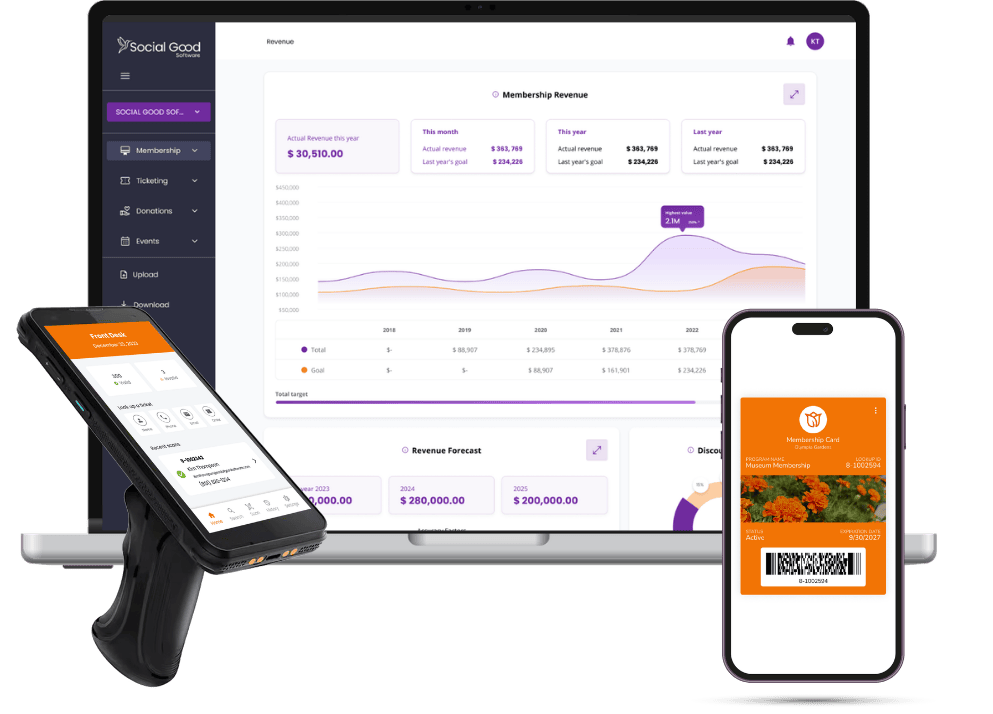
Links and messaging help, but every extra page loses some buyers. Social Good’s Upsells offer membership and add-ons inside the checkout cart, so a ticket buyer can add a membership without leaving the transaction. They run in Social Good’s Checkouts, which write the sale back to Altru.
Quick answers
Can one Altru web form sell both tickets and memberships?
It depends on your form types and configuration. Test it in a sandbox or confirm with Blackbaud support rather than relying on what another organization’s setup does.
Is a link on the ticket form really worth it?
It costs almost nothing to add, and ticket buyers are the warmest audience you have. Pair it with a clear price comparison and a written ticket-credit policy, and track it with a monthly query.