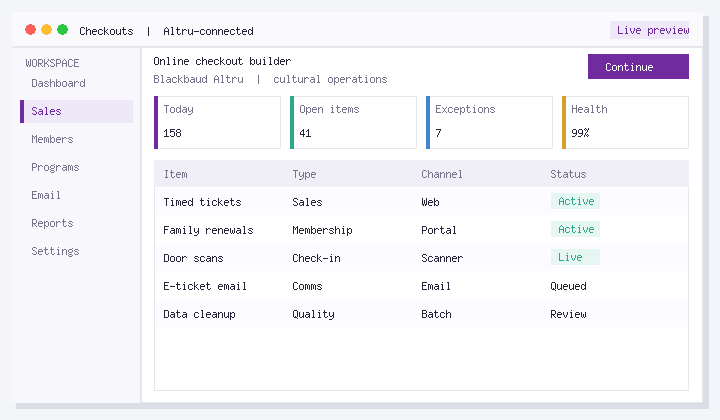
In this guide: Learn create automated digital membership card query with Altru in Altru with a short video walkthrough, then follow the written steps below so your team can repeat the process without hunting through menus.
Social Good Software builds tools that sit alongside Blackbaud Altru so guest services, membership, and marketing teams spend less time on workarounds and more time on mission. This page is a durable reference: watch the embed, scan the steps, and open the related product page when you are ready to go deeper.
What you will learn
- Where this task lives in a typical Altru + Social Good Software workflow
- What to prepare before you start
- How to complete the process safely in production
- How to verify results and train seasonal staff
Who this is for
Altru administrators, guest services leads, membership managers, and digital marketers at museums, zoos and aquariums, botanical gardens, historic sites, and cultural nonprofits.
Step-by-step overview
- Open the right area of Altru or Social Good Software shown in the video.
- Prepare supporting records such as queries, attributes, programs, or templates.
- Complete the configuration as demonstrated.
- Validate with a test path before affecting live constituents.
- Document the owner and re-check cadence for peak seasons.
Related tools
Explore the features hub, watch more explainers on software demos, or book a demo.
FAQ
Does this apply to Blackbaud Altru only?
Yes. Social Good Software is built for cultural nonprofits running Blackbaud Altru.
Can I share this with seasonal staff?
Yes. This page is designed as a single training URL with video plus written steps.
Where do I get hands-on help?
Schedule time on the demo page or review pricing.
Next steps
Watch the video, try the steps in a safe context, then book a demo if you want guided setup.
About the publisher: Social Good Software helps Altru organizations increase revenue, save staff time, and move their mission forward.