Ticketing
How to Exclude Selected Dates from an Altru Website Calendar
To keep specific dates off a Calendar Builder calendar, filter them out of the calendar’s Altru query. Open the calendar’s Settings, click the query under Events to edit it in Altru, add Start date set to not one of, and enter each date to hide. Save the query, sync the data, and those dates disappear

How Ticket Availability Is Calculated on the Altru Calendar
In this video, a Calendar Builder calendar works out availability as capacity minus sold. Capacity comes from the calendar’s program query, and sold is the sum of the Quantity column in a reserved events query that excludes refunded items. When a time slot shows the wrong count, refunds, partial refunds, cancellations and rescheduling are the

How to Create a Reserved Events Query for an Altru Calendar
A reserved events query is the Altru sales order query that Calendar Builder uses to show how many tickets are left for each time slot. Your program query supplies each slot’s capacity; this query totals the quantity sold per event, and the calendar subtracts that total from capacity. Build it on Sales order item ›

Checkouts for Altru: Branded Mobile Checkout for Tickets and Members
Your website is where most people decide whether to buy a ticket, join, or give. For organizations on Blackbaud Altru, the last step of that decision usually happens on an Altru web form. Those forms work, but they often look and feel different from the rest of your site, and on a phone they can

Calendar Builder for Altru: Timed-Ticketing Calendars for Your Website
Timed entry changes what a visitor needs from your website. They no longer ask whether you’re open on Saturday. They ask whether there’s still room at 11:00, and they want the answer before they get the kids in the car. A list of links or a static schedule can’t tell them that. A calendar that
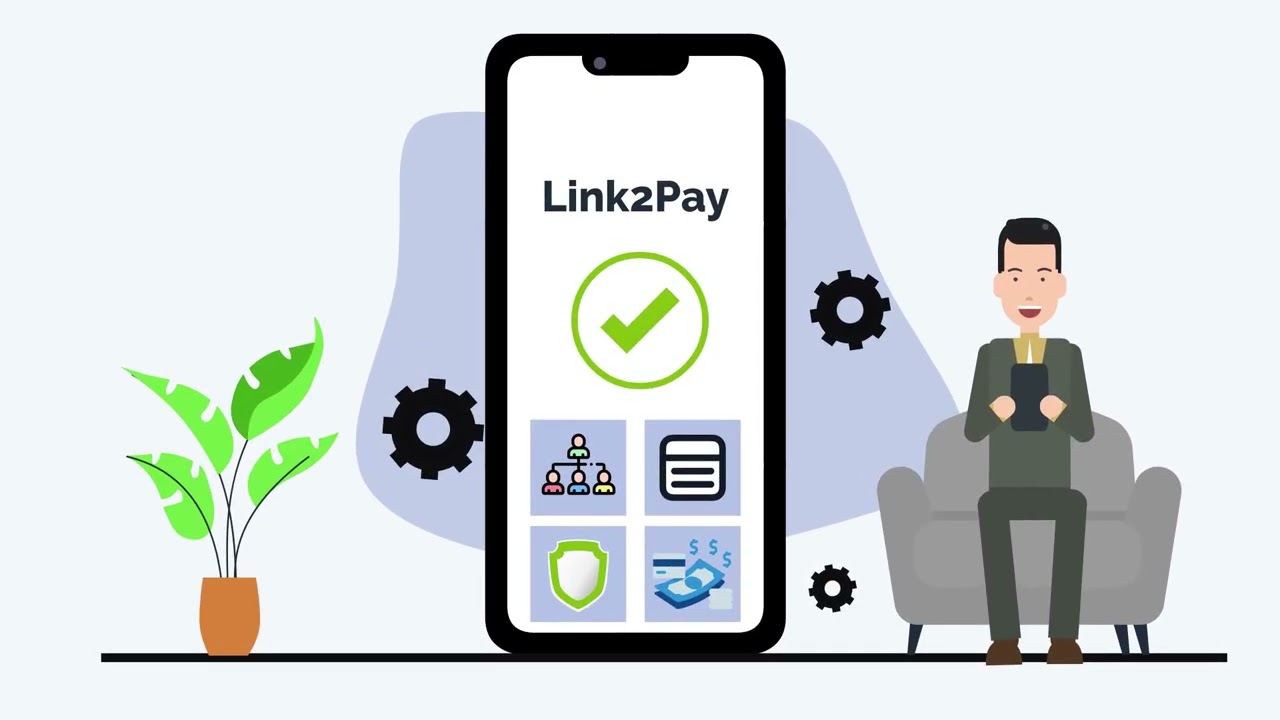
Link2Pay for Altru: Pay-by-Link for Group Sales, Pledges, and Deposits
A school coordinator books a field trip for 120 students and asks for an invoice. A board member pledges a gift and wants to pay later in the month. A wedding couple owes a deposit to hold the garden for June. In each case the payment is real, the amount is known, and nobody wants
What Is the Barcode Scanner for Blackbaud Altru Tickets and Membership Cards?
The barcode scanner is Social Good Software’s check-in app for organizations that use Blackbaud Altru. Staff scan a guest’s ticket or membership card to validate it, with a faster and less clunky process than scanning through the CRM. If a guest doesn’t have their barcode, staff can look them up by name or email, and

How to Download Barcode Scanner Stats as CSV or Excel for Altru Ticket Scans
You can download a backup of any barcode scanner’s stats from the Ticket Scanner in Social Good Software, to archive or analyze your scans. Open the scanner, click Stats, and pick CSV or spreadsheet (XLS, opens in Excel) at the bottom of the page. The download always contains everything stored for that scanner, from your

How to Add Another Program to an Altru Website Calendar in Calendar Builder
To add another Altru program to an existing Calendar Builder calendar, edit both of the calendar’s Altru queries. In the events query and the reserved events query, add the new program’s name as an OR condition wrapped in parentheses with the existing one. Then request data in Calendar Builder, reselect the quantity field, and preview.

How to Set Up an Android Phone or Tablet with a USB Barcode Scanner for Altru Ticket Scanning
To use an Android phone or tablet as an all-day scanning station, set the device up first so it stays awake, then connect a USB barcode scanner. Turn off battery saver, set sleep to never (or 30 minutes), lengthen screen lock, and update the SGS Barcode Scanner app from Google Play. Plug the scanner into
